
Modeling Fluid Flow Past a Cylinder#
Overview#
Fluid mechanics are vital processes in the modern world, and modeling such dynamics has become increasingly important in many engineering and physics challenges. However, the complexities are also becoming increasingly complex: disciplines like multiphase flow (pollutant or disease dispersion), hypersonics (spacecraft atmospheric rentry), and fluid-surface interaction (bio-inspired motion) are all very important yet very computational expensive to numerically or experimentally model.
This project will focus on the use of Physics-Informed Neural Networks (PINNs) for a classic fluid mechanics problem, as embedding physics has been a promising methodology for addressing low data situations.
First we’ll build the PINN and understand how the architecture may differ from a FCNN. Then we will run some uncertainty quantification using Monte Carlo Dropout, and finally we will test to see how little data is needed to train a good PINN.
Data Sources#
Original Source
Defining the Problem#
Question 02: Cylinder-Induced Wake#
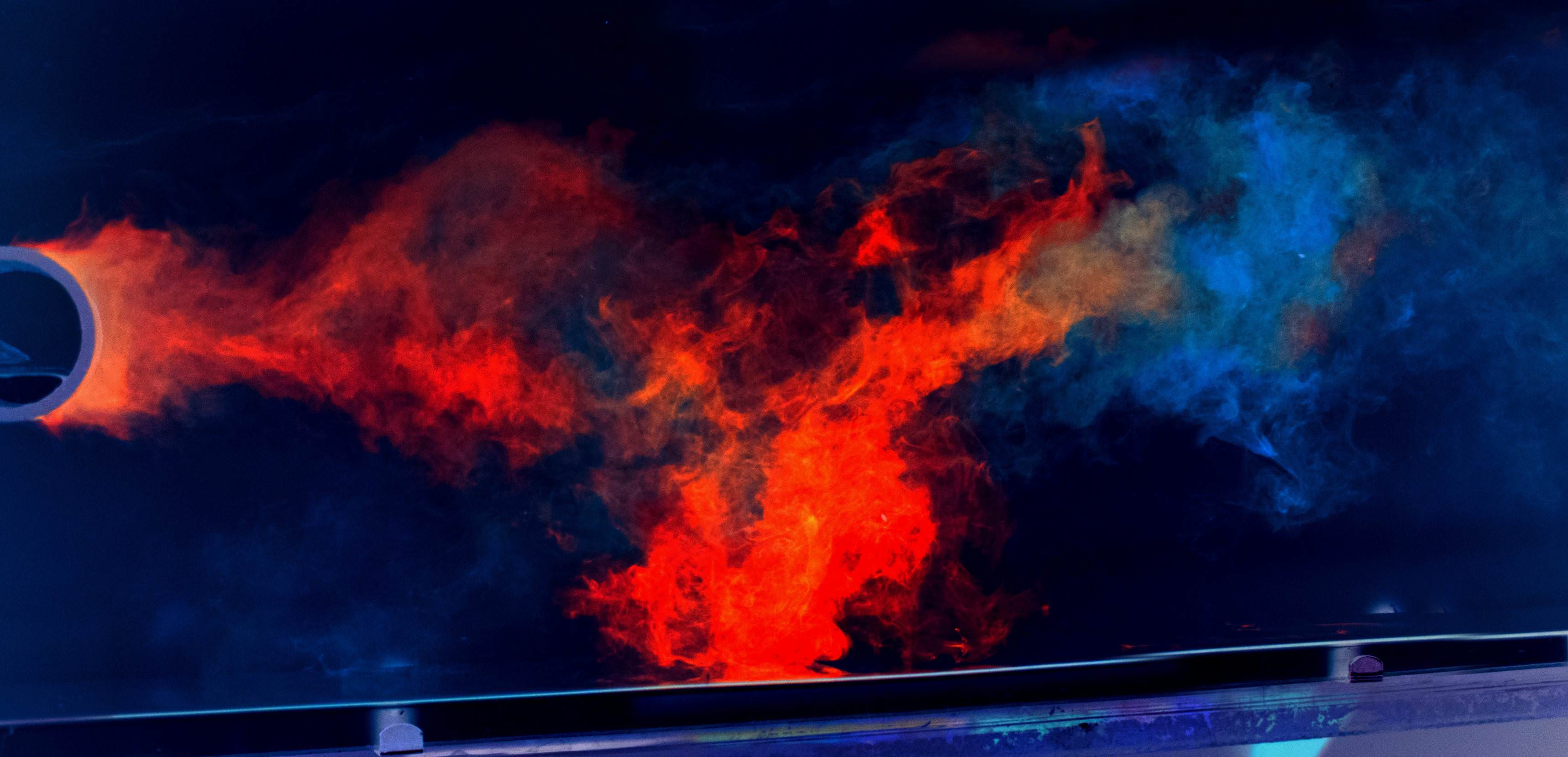
The problem of fluid flow past a cylinder is a classic fluid mechanics problem, in no small part due to the insights it provides into wakes. What is a wake in fluid dynamics, and why is it important to study? What examples of cylinder flow are there in engineering or physics? Can you think of examples from your day-to-day life?
[ Answer Here ]
Question 03: Training on Flow Field Data#
Any machine learning model worth its weights must be trained on an adequate amount of data. So for training a surrogate model, where can the data come from? List at least three computational and experimental techniques fluid mechanics researchers can use to generate training data. For each method listed, briefly note the issues for using it to get training data.
[ Answer Here ]
Let’s Put a PINN in it! #
As mentioned, PINNs have been shown to be effective in low data situations, so lets test them out. The goal here is uncertainty quantification and analyzing how much embedded physics can compensate for lack of training data. We’ll very briefly discuss the relevant physics, equations you need, and propose hyperparameters for the PINN!
\(\textbf{NOTE}\): The training data and following work draws heavily upon the foundational PINN paper:
https://doi.org/10.1016/j.jcp.2018.10.045
There will be some differences in implementation. You are encouraged to reference the paper for the following work, but do not plagarize any of the paper’s reference materials.
Quick Primer on Relevant Math#
All dynamics must satsify the \(\textit{Conservation of Momentum}\) and the \(\textit{Conservation of Mass}\). The momentum equations of a 2D incompressible Navier Stokes problem is given by
with \(u\) and \(v\) referring to the \(x\) and \(y\) components of velocity, \(p\) referring to static gauge pressure, and \(\nu\) referring to kinematic viscosity. The equations are using Einstein notation for partial derivatives.
Mass conservation is satisfied as long as this hold true:
with \(\psi\) being something known as the Streamfunction.
For this problem, set \(\nu = 1\). Pressure (\(p\)) will only be an output.
Recommended PINN Hyperparameters#
Item |
Recommendation |
|---|---|
Layers |
\([3] + 8 \times [20] + [2]\) |
Inputs |
\([x, y, t]\) |
Outputs |
\([\psi(t, x, y), p(t, x, y)]\) |
Data Loss Function |
\(MSE\) |
\(L_{physics}\) |
\(\frac{1}{N} \sum_{i=1}^{N} (f(t^i, x^i, y^i)^2 + g(t^i, x^i, y^i)^2)\) |
PDE equations |
\(\begin{aligned} f &= u_t + \lambda_1(uu_x + vu_y) + p_x - \lambda_2(u_{xx} + u_{yy}), \\ g &= v_t + \lambda_1(uv_x + vv_y) + p_y - \lambda_2(v_{xx} + v_{yy}) \end{aligned}\) |
Do not include \(p\) in the data loss, as the physics loss alone will capture its behavior.
Helper Code and Dataset Notes #
There’s a whole bunch of helper code at the bottom of this notebook to get you started. It’s also recommended that you do most of code in a different notebook/python script for cleanliness, but that’s just a personal preference.
The dataset samples a region just downstream of the cylinder. Don’t worry about boundary conditions or initial conditions for this project!
Question 05: Activate It!#
Why does the choice of activation function matter when making a PINN that solves a second-order PDE?
[ Answer Here ]
Question 06: Balance It!#
How do you balance between data loss and physics loss? (Hint: look into collocation points!)
[ Answer Here ]
Question 07: Make It!#
Make a PINN to model to recreate the flowfield. Use uniform sampling to select 4000 spatial points as training data, and use the rest as validation/testing.
Use one of the helper functions to plot the flowfield at a few timesteps!
[ Answer Here ]
Question 08: Analyze It!#
For the PINN you made above, quantify both its accuracy and uncertainty.
This is an open-ended question, but here are a couple requirements:
Use Monte Carlo Dropout to measure uncertainty
For accuracy, make sure to compare the net loss, data loss, and physics loss
Remember that this is both a spatial and temporal problem, and so there’s error and uncertainty for both aspects
For spatial accuracy and error, you can analyze only \(\textbf{1}\) time-step.
[ Answer Here ]
Question 09: Lower It!#
Train at least two more PINNs with increasingly lesser training data. Try and find how small can the training dataset be before the model’s error becomes unacceptably large.
[ Answer Here ]
References#
[1] M. Raissi, P. Perdikaris, G.E. Karniadakis, “Physics-informed neural networks: A deep learning framework for solving forward and inverse problems involving nonlinear partial differential equations”, Journal of Computational Physics 378 (2019) (https://doi.org/10.1016/j.jcp.2018.10.045)
Acknowledgements#
Initial version: Pranet Patil with feedback from Mark Neubauer
© Copyright 2026
Starter Code#
from scipy.io import loadmat
import numpy as np
import matplotlib.pyplot as plt
from matplotlib.animation import FuncAnimation
import torch
def import_wake_data(path = 'cylinder_nektar_wake.mat'):
    '''
    Imports the Total Dataset
    - Total Number of data points: 1,000,000
    - Dataset Sizings:
        - N: 5000 (Spatial Points)
        - T: 200 (Times)

        Slightly more resolved detail:
        - nx: 100 (number of unique x-coordinates)
        - ny: 50 (number of unique y-coordinates)
        - dt: 0.01 (time step size)
        - units: all nondimensional
    '''


    wake_data = loadmat(path)


    x = wake_data["X_star"][:, 0:1]  # N x 1
    y = wake_data["X_star"][:, 1:2]  # N x 1
    t = wake_data["t"]  # T x 1

    U_star = wake_data["U_star"]  # N x 2 x T

    u = U_star[:, 0, :]  # N x T
    v = U_star[:, 1, :]  # N x T
    p = wake_data["p_star"]  # N x T

    print(f"# of Spatial Points (x, y): {x.shape[0]}")
    print(f"# of Temporal Points (t):   {t.shape[0]}")

    position = {'x':x,
                'y':y,
                't':t}

    flow = {'u': u,
            'v': v,
            'p': p}

    return position, flow
def generate_flow_field(CWFlowPINN, t, resolution_factor = 1, device="cpu"):
    """
    Helper function that uses your model to do surrogate modeling

    TODO: ENSURE that this output matches your model output

    Inputs:
    - model: The trained PINN
    - t: float/array representing the timestep(s) to be modeled
    - resolution_factor: The degree of refinement of the grid that the model predicts on. Will be multipled by the number of nodes along each axis
    - device: the device where the pytorch computations occur. If using GPU, use that

    Outputs:
    - u, v, p: 1D numpy arrays of predictions
    """

    # Model in evaluation mode
    CWFlowPINN.eval()

    x = np.linspace(1,8, num = 100*resolution_factor)
    y = np.linspace(1,8, num = 50*resolution_factor)

    X = torch.from_numpy(x).float().to(device).reshape(-1, 1)
    Y = torch.from_numpy(y).float().to(device).reshape(-1, 1)

    if np.isscalar(t):
        T = torch.full_like(X, t)
    else:
        T = torch.from_numpy(t).float().to(device).reshape(-1, 1)


    '''
    Be sure to implement this section so that matches how you've chosen to do outputs
    '''
    with torch.no_grad():

        #TODO
        u_pred = ...
        v_pred = ...
        p_pred = ...


    # Convert back to NumPy and flatten
    new_t = T.cpu().numpy().flatten()
    u = u_pred.cpu().numpy().flatten()
    v = v_pred.cpu().numpy().flatten()
    p = p_pred.cpu().numpy().flatten()

    # plot/analysis ready numpy arrays
    return x, y, new_t, u, v, p
def plot_wake_snapshot(x, y, t, u, v, p):
    """
    Plots both the velocity and pressure field of the cylinder wake.
    Use this for the raw data or to see your model's output

    Feel free to copy and modify this code to visualize error or uncertainty plots.

    Inputs:
    x, y: 1D numpy arrays (N_spatial,)
    t: float representing current time
    u_star, v_star, p_star: 1D numpy arrays representing the flow variable for each point (N_spatial,)
    """

    N = x.shape[0]

    # 1. Determine grid dimensions for reshaping
    nx = len(np.unique(x))
    ny = len(np.unique(y))

    # Reshape vectors into 2D grids (NY x NX)
    X = x.reshape(ny, nx)
    Y = y.reshape(ny, nx)
    U = u.reshape(ny, nx)
    V = v.reshape(ny, nx)
    P = p.reshape(ny, nx)


    current_time = t

    fig, ax = plt.subplots(2, 1, figsize=(12, 8), sharex=True)


    # --- Subplot 1: Velocity Magnitude + Quiver ---
    vel_mag = np.sqrt(U**2 + V**2)
    im1 = ax[0].imshow(vel_mag, extent=[x.min(), x.max(), y.min(), y.max()],
                       origin='lower', cmap='viridis', aspect='equal')

    # Quiver
    skip = (slice(None, None, int(N/1000)), slice(None, None, int(N/5000)))
    ax[0].quiver(X[skip], Y[skip], U[skip], V[skip],
                 color='white', alpha=0.3, scale=None)
    ax[0].set_ylabel("y")


    # --- Subplot 2: Pressure Field ---
    im2 = ax[1].imshow(P, extent=[x.min(), x.max(), y.min(), y.max()],
                       origin='lower', cmap='RdBu_r', aspect='equal')


    fig.suptitle(f"Cylinder Wake Flow Visualization at t = {current_time:.3f}", fontsize=16, x = 0.625)
    ax[0].set_title("Velocity Field")
    ax[1].set_title("Pressure Field")
    fig.colorbar(im1, ax=ax[0], label="|U|")
    fig.colorbar(im2, ax=ax[1], label="p")
    ax[1].set_xlabel("x")
    ax[1].set_ylabel("y")

    plt.tight_layout(rect=[0, 0.03, 1, 0.95])
    plt.show()
def animate_wake(x, y, t, u_star, v_star, p_star, dt = 0.01):
    """
    Creates an animation of the cylinder wake flow. It's fun stuff
    (Use this to visualize the flow field, but due to file size contraints don't worry about attaching all of them to the submission)

    Inputs:
    x, y: 1D numpy arrays (N_spatial,)
    t: 1D numpy array (T_steps,)
    u_star, v_star, p_star: 2D numpy arrays (N_spatial, T_steps)
    """


    N = x.shape[0]
    nx = len(np.unique(x))
    ny = len(np.unique(y))
    X_grid = x.reshape(ny, nx)
    Y_grid = y.reshape(ny, nx)

    fig, ax = plt.subplots(2, 1, figsize=(12, 8), sharex=True)

    # Calculate global min/max for consistent color scales
    v_min, v_max = 0, np.sqrt(u_star**2 + v_star**2).max()
    p_min, p_max = p_star.min(), p_star.max()


    # Initial plot for Velocity
    def get_vel_mag(idx):
        return np.sqrt(u_star[:, idx]**2 + v_star[:, idx]**2).reshape(ny, nx)

    im_v = ax[0].imshow(get_vel_mag(0), extent=[x.min(), x.max(), y.min(), y.max()],
                        origin='lower', cmap='viridis', aspect='equal', vmin=v_min, vmax=v_max)

    # Quiver
    skip = (slice(None, None, int(N/5000)), slice(None, None, int(N/5000)))
    u_init = u_star[:, 0].reshape(ny, nx)[skip]
    v_init = v_star[:, 0].reshape(ny, nx)[skip]
    q = ax[0].quiver(X_grid[skip], Y_grid[skip], u_init, v_init,
                     color='white', alpha=0.3)


    # Initial plot for Pressure
    im_p = ax[1].imshow(p_star[:, 0].reshape(ny, nx), extent=[x.min(), x.max(), y.min(), y.max()],
                        origin='lower', cmap='RdBu_r', aspect='equal', vmin=p_min, vmax=p_max)

    # Formatting
    ax[0].set_title("Velocity Field")
    ax[1].set_title("Pressure Field")
    fig.colorbar(im_v, ax=ax[0])
    fig.colorbar(im_p, ax=ax[1])
    time_text = ax[0].text(0.02, 0.9, '', transform=ax[0].transAxes, color='white', fontweight='bold')


    # Update Function for Animation
    # TODO: Update as needed if you repurpose this code
    def update(frame):
        # Extract the N spatial points for the current time frame
        # u[:, frame] extracts the column, resulting in size (N,)
        u_f = u_star[:, frame].reshape(ny, nx)
        v_f = v_star[:, frame].reshape(ny, nx)
        p_f = p_star[:, frame].reshape(ny, nx)

        # Update the artists
        im_v.set_array(np.sqrt(u_f**2 + v_f**2))
        q.set_UVC(u_f[skip], v_f[skip])
        im_p.set_array(p_f)

        time_text.set_text(f"t = {t[frame, 0]:.3f}")
        return [im_v, q, im_p, time_text]


    ani = FuncAnimation(fig, update, frames=len(t), interval=50, blit=True)
    plt.tight_layout()
    ani.save('wake_animation.gif', writer='pillow', fps=int(1/dt))
    return ani